Technical notes
Markdown to PDF creates a readable snapshot of headings, explanatory paragraphs, lists, and code samples. Long code can wrap, and syntax colors are not generated.
Drop files here
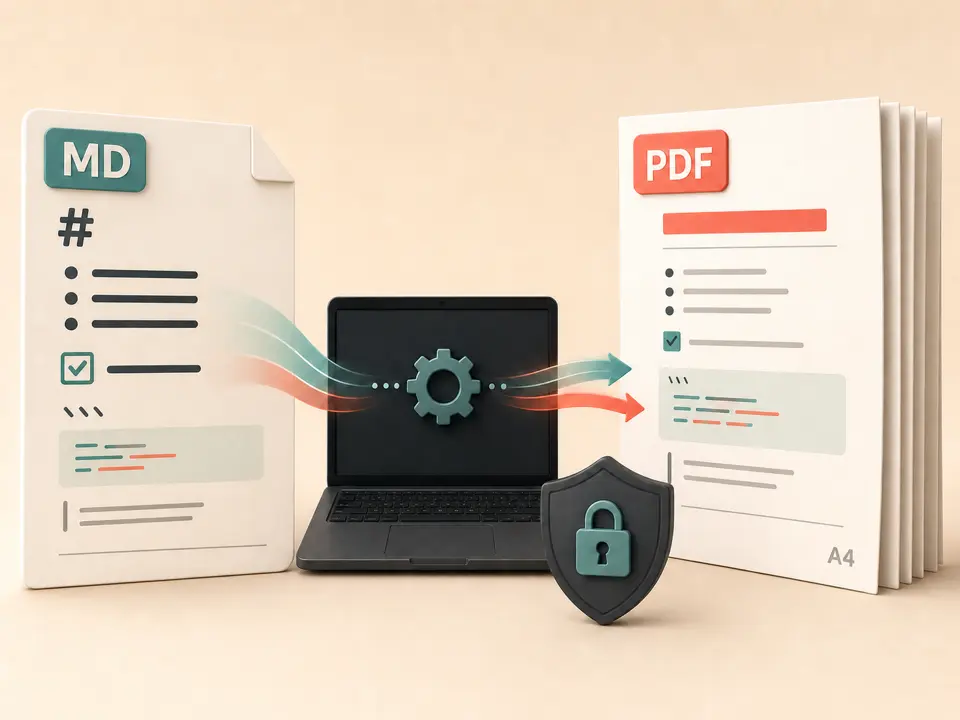
Convert Markdown to PDF when a lightweight text source needs a stable document for reading or sharing. TiPDF parses one UTF-8 MD or Markdown file locally, typesets supported blocks onto A4 pages and downloads one PDF.
The Markdown to PDF handler reads one .md or .markdown file with a tolerant UTF-8 decoder and parses it with Markdown-it. It recognizes level-one through level-six headings, paragraphs, ordered and unordered lists, nested list depth, block quotes, horizontal rules, indented code, and fenced code blocks. It retains plain inline text, line breaks, inline code, and image alternative text while building printable blocks.
Markdown to PDF creates A4 pages measuring about 595 by 842 PDF points with 52-point margins. Headings decrease from 24 points, body and list text use 11 points, and code uses 9 points. Content wraps to the available width and starts a new page when needed. Quotes receive a vertical rule and horizontal rules become drawn lines.
This Markdown to PDF converter is a focused typesetter, not a browser or full publishing engine. Raw HTML is disabled. CSS, JavaScript, themes, Mermaid diagrams, math, footnotes, and Markdown tables are not implemented. Images are not fetched or embedded; alternative text can remain. Link labels may print, but the handler does not create clickable PDF annotations.
A Markdown file to PDF job accepts one non-empty .md or .markdown file up to 100 MiB. The decoder replaces malformed UTF-8 sequences, and a file with no printable parsed blocks is rejected. Split unusually large publications to limit memory and page count.
Markdown to PDF attempts to load a bundled Noto Sans Simplified Chinese webfont and embeds a subset when available. If it fails, Helvetica replaces unsupported non-ASCII characters with square placeholders rather than wrong glyphs. Review multilingual output on the same device.
Markdown to PDF returns one automatically paginated .pdf. There are no controls for Letter paper, custom margins, headers, footers, page numbers, fonts, colors, syntax highlighting, or a contents page. Source line numbers are not preserved. Use a publishing pipeline for exact brand typography or complex layout.
Replace tables, diagrams, HTML widgets, remote images, and math extensions with paragraphs, lists, quotes, or pre-rendered material. Do not expect browser behavior.
Use a .md or .markdown filename and UTF-8 encoding. Include meaningful alternative text where image syntax remains, because the image itself is not embedded.
Use headings in a logical order, keep list nesting deliberate, and break long code lines when practical. Automatic wrapping cannot understand semantic breakpoints inside code.
Select the file and start the local job. TiPDF parses blocks, loads the available font, wraps lines, and creates A4 pages as needed.
Review headings, nested lists, quotes, code, non-Latin characters, page transitions, and the last line of each page. Keep the source as the editable master.
Markdown to PDF creates a readable snapshot of headings, explanatory paragraphs, lists, and code samples. Long code can wrap, and syntax colors are not generated.
Turn a structured agenda or decision log into a consistent attachment without opening a word processor. Add page numbers elsewhere if required.
GitHub Markdown to PDF works here only for the supported common structure. Repository badges, web images, HTML sections, and interactive links will not behave like the hosted page.
Share a paginated text-first document for review. Continue editing the Markdown source and regenerate instead of trying to edit the derivative PDF.
Supported structure is deliberately restyled by TiPDF rather than copied from a particular preview application. Typography, spacing, line wrapping and pagination can therefore differ from GitHub, an editor extension or a static-site theme. Typographer substitutions and automatic link recognition come from the parser settings, while the PDF drawer reduces inline tokens to printable text. A source that depends on custom plugins will lose that plugin presentation.
The PDF contains drawn text rather than page screenshots when the selected font can encode it, which supports visual sharpness and text selection. That does not guarantee a fully tagged, screen-reader-optimized or PDF/A document. The handler does not build a semantic tag tree, bookmarks or a generated contents page. Use an accessibility or archival workflow when those standards are required.
The Markdown to PDF job reads, parses and lays out the source in the current browser. Its text is not sent to server conversion, AI, sharing or storage routes, and the handler does not request upload approval. The bundled font asset is fetched from the application URL when available, and ordinary site resources may use the network; the selected document content remains in the local workflow.
Refreshing ends the active memory session, but the source and downloaded PDF remain on the device. TiPDF cannot remove either copy or prevent forwarding. Raw HTML is disabled, which reduces active-content risk, but users should still avoid publishing secrets embedded in text, code examples or metadata.
No. HTML parsing is disabled, and HTML is not executed as a web page.
Yes. Both .md and .markdown extensions use the same local parser, typography and A4 pagination limits.
Not as formatted tables by this handler. Convert them to lists or paragraphs, or use a publishing tool with the required extension.
Yes. The document is parsed in your browser without an account or checkout. The bundled font and normal site assets can still load over the network.
The current block extraction does not fetch or embed them. Alternative text may remain as printable text.
No. Fenced and indented code use a smaller text style, but language-specific colors are not generated.
The tool attempts to embed a bundled Noto Sans SC subset. If that font fails, unsupported characters become square placeholders, so inspect the result.
Use TXT to PDF for one searchable local A4 document with fixed typography.
Upload one approved self-contained HTML file to the configured Chromium service after active and external resources are rejected.
Send one approved Word file to the configured office renderer and verify the returned PDF.
Route one supported file through the appropriate local or approved remote conversion path.
Markdown to PDF capability copy was verified on July 18, 2026 against the markdown-to-pdf registry, Markdown-it configuration, block parser, bundled-font fallback and A4 line-layout code. Claims cover supported local typesetting without promising HTML, tables, image fetching or tagged PDF output.